Choosing the best projector for golf simulator use comes down to more than just resolution. A golf simulator lives or dies by the picture on the screen: launch monitor data can be spot-on, but the whole setup feels flat if the image looks dim, washed out, or badly sized for the impact screen. After skimming the current search results, one pattern is clear: readers want a practical shortlist, not a 15-projector rabbit hole. So this guide sticks to five picks that cover the setups most home golfers actually build.
For most people, the sweet spot is a bright short-throw model with solid contrast, low lag, and enough mounting flexibility to stay out of the swing path. Native 4K sounds great on paper, but throw ratio and usable brightness usually matter more inside a garage, basement, or bonus room.
Disclosure: This article contains affiliate links. If you buy through them, we may earn a commission at no extra cost to you.
Quick Picks: Best Projector for Golf Simulator Setups
| Projector | Best Fit | Why It Stands Out | Link |
|---|---|---|---|
| NEC NP-PE455UL | Best overall | Bright laser output, short-throw design, strong all-around sim performance | See Current Price |
| BenQ TH671ST | Best value | Short throw, low lag, and a much easier entry price than laser models | Check Price |
| Optoma UHD35STx | Best budget 4K-style option | Sharp image, short throw, and very responsive for sim play | See Reviews |
| LG ProBeam BU53RG | Best premium image | 4K laser detail, high brightness, and better placement flexibility than most | See Current Price |
| Epson Home Cinema 3800 | Best for deeper rooms | Excellent picture quality and lens shift, but wants more space | Check Price |
How I’d choose the best projector for golf simulator use
Start with throw ratio, not resolution. A projector that cannot fill your screen from a safe mounting position is a bad fit, even if the spec sheet looks impressive. Short-throw models are popular for a reason: they let you mount the projector closer to the screen, which reduces shadows and lowers the odds of a club or ball finding expensive hardware.
Brightness is next. Around 3,000 lumens can work in a controlled room, but brighter is better once garage doors, side lighting, or light wall colors enter the picture. From there, look at lag, contrast, and image adjustment features like keystone or lens shift. Native 4K or pixel-shifted 4K is nice, though a crisp 1080p short-throw unit often beats a sharper projector that forces awkward placement.
Still sorting the whole room out? Pair this with a proper enclosure plan so your screen size and projector distance match from the start: Best Golf Simulator Enclosure for Home.
The 5 best projectors for golf simulator setups
Best overall
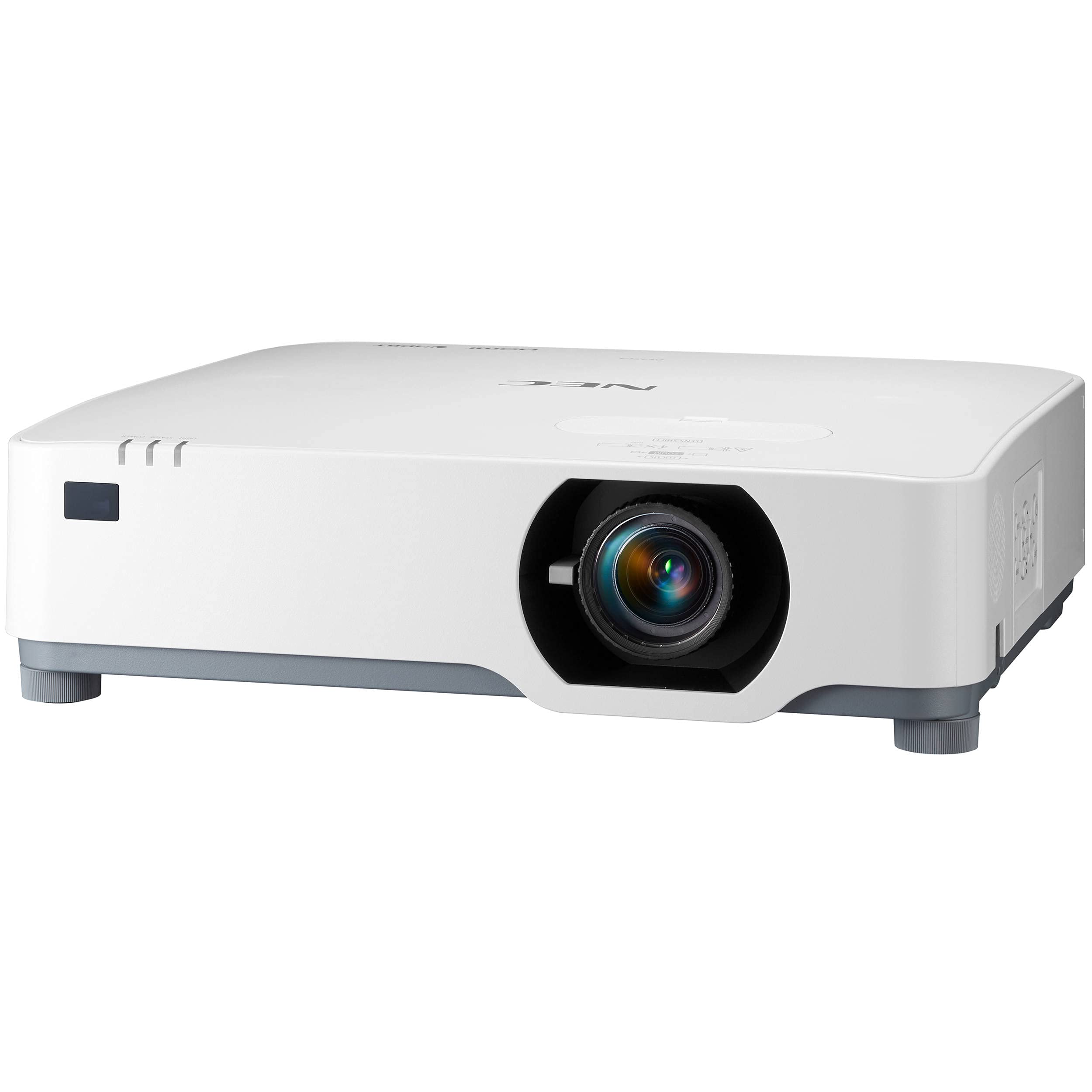
1. NEC NP-PE455UL
The NEC NP-PE455UL is the projector I’d point most golfers toward first. It hits the right balance of brightness, short-throw practicality, and long-term ownership ease. Current ranking pages lean heavily on it for a reason: 4,500 lumens is enough to keep the image lively in rooms that are not perfectly dark, and the laser light source cuts down on maintenance.
What makes it especially appealing for a simulator is how easy it is to build around. The short-throw design helps with tight spaces, and it can throw a large image from relatively close range, which matters when you are trying to protect the projector while keeping the picture large and square. That alone solves a lot of headaches.
The picture quality also feels appropriate for a serious sim room rather than a casual movie-night setup pressed into golf duty. You get a clean, bright image, solid 4K signal compatibility, and the kind of installation flexibility that makes it easier to dial in screen fill without constant compromise.
Best fit: golfers building a dedicated sim room who want one projector that gets almost everything right.
Watch-out: this sits firmly in premium territory, so it makes more sense for frequent use than for a once-a-month garage range session.
See Current PriceOpens Amazon. Affiliate link.
Best value
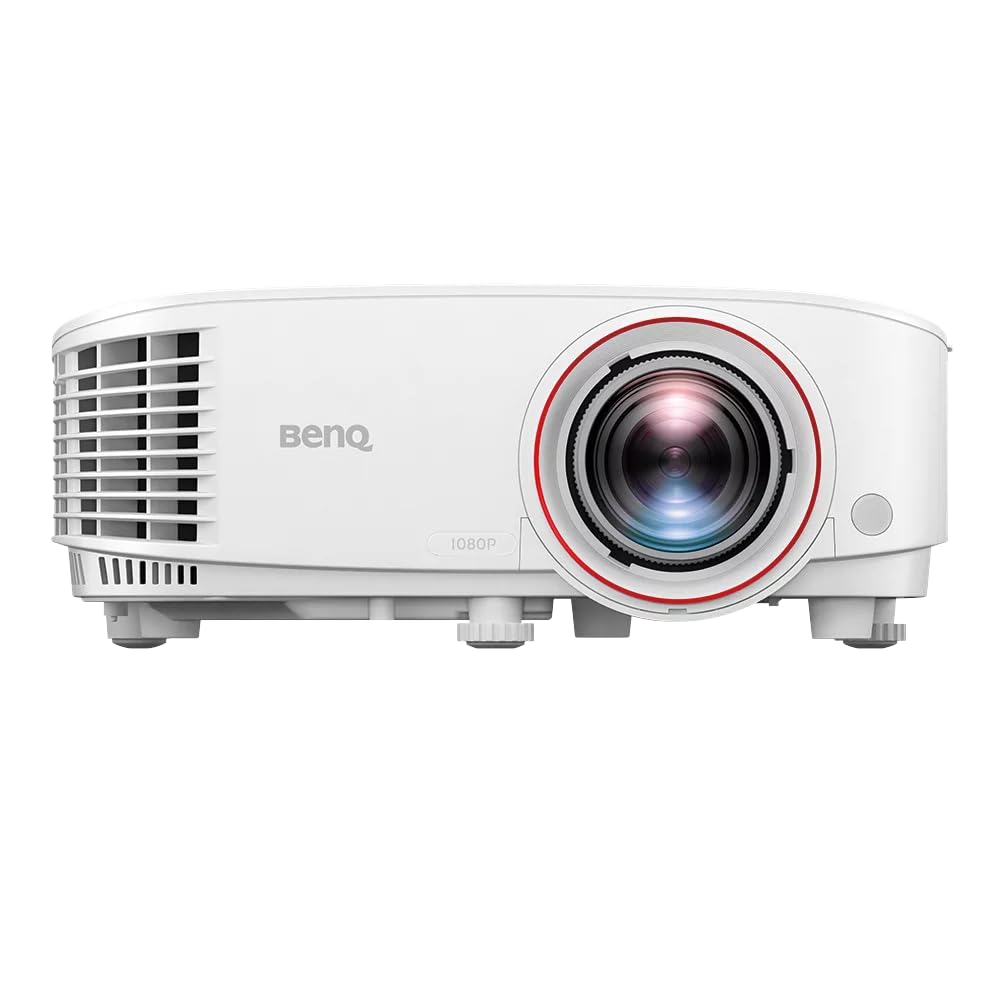
2. BenQ TH671ST
The BenQ TH671ST remains one of the smarter value plays in this category. It is older than some flashier laser picks, but short throw, 1080p resolution, and low input lag still make a lot of sense for golf sim use. Not every room needs a five-thousand-dollar image engine.
This is the projector I like for golfers who want a real simulator feel without turning the rest of the budget inside out. With a throw ratio around 0.69 to 0.83 and lag around 16.67ms, it handles the basics well: a large image from a safe position, decent responsiveness, and a picture that looks clean enough for practice sessions, sim rounds, and mixed-use gaming.
You do give up some brightness and longevity compared with premium laser models. Lamp-based ownership usually means more heat, more noise, and eventual lamp replacement. Even so, the TH671ST keeps showing up in golf sim conversations because it solves the important room-layout problem at a price many home golfers can actually justify.
Best fit: budget-conscious buyers who still want a proper short-throw simulator projector.
Watch-out: bright garages during the day can push it harder than a higher-lumen laser model.
Check PriceOpens Amazon. Affiliate link.
Best budget 4K-style option
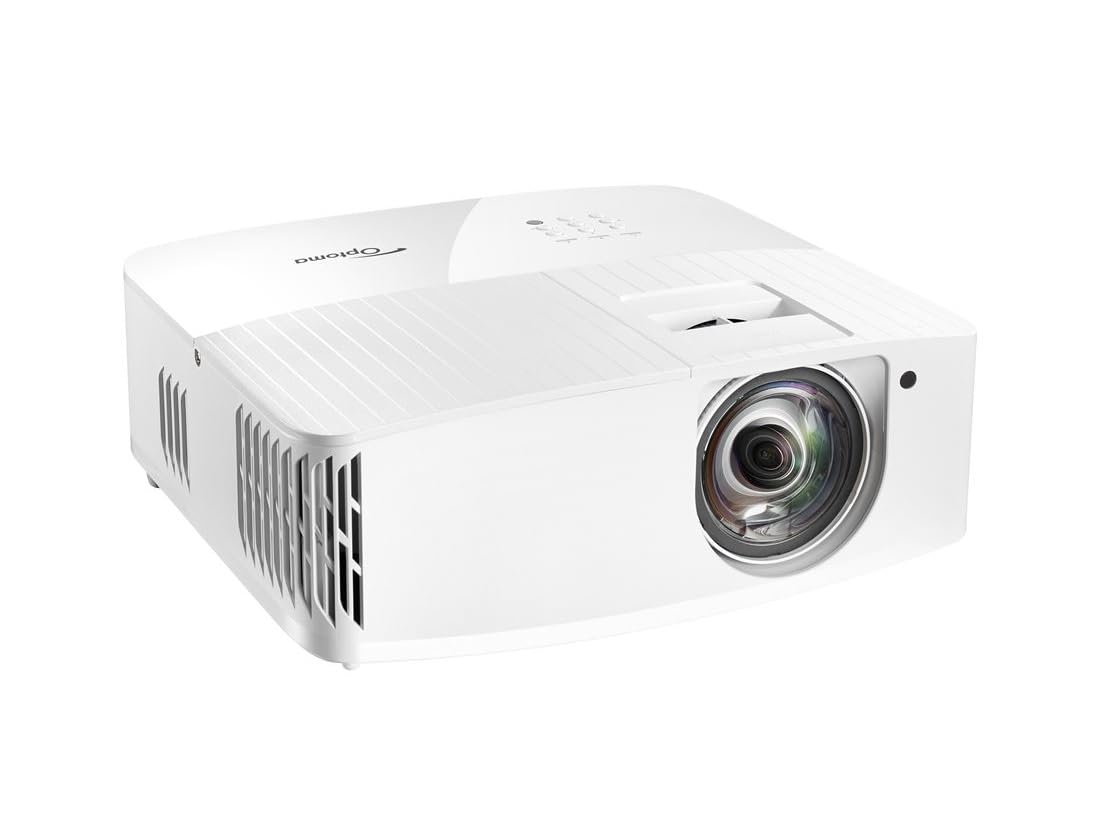
3. Optoma UHD35STx
The Optoma UHD35STx is a nice middle ground for someone chasing a sharper image without leaping into commercial-projector pricing. It brings short-throw convenience, strong responsiveness, and 4K-class detail that looks crisp on a big impact screen.
Golf simulators do not need cinema perfection, but they do benefit from better edge definition, cleaner course textures, and readable on-screen data. That is where this Optoma makes its case. It is also quick enough to feel lively, which helps the entire sim experience feel more immediate rather than slightly disconnected.
I would choose the UHD35STx over a cheaper standard-throw 4K model every time for golf. The short throw is the whole point. A gorgeous projector loses a lot of appeal once it forces a mount location that creates shadows or puts the unit in danger.
Best fit: golfers who want more image sharpness than entry-level 1080p projectors usually deliver.
Watch-out: pixel quality is only part of the story; room light control still matters if you want the image to really pop.
See ReviewsOpens Amazon. Affiliate link.
Best premium image
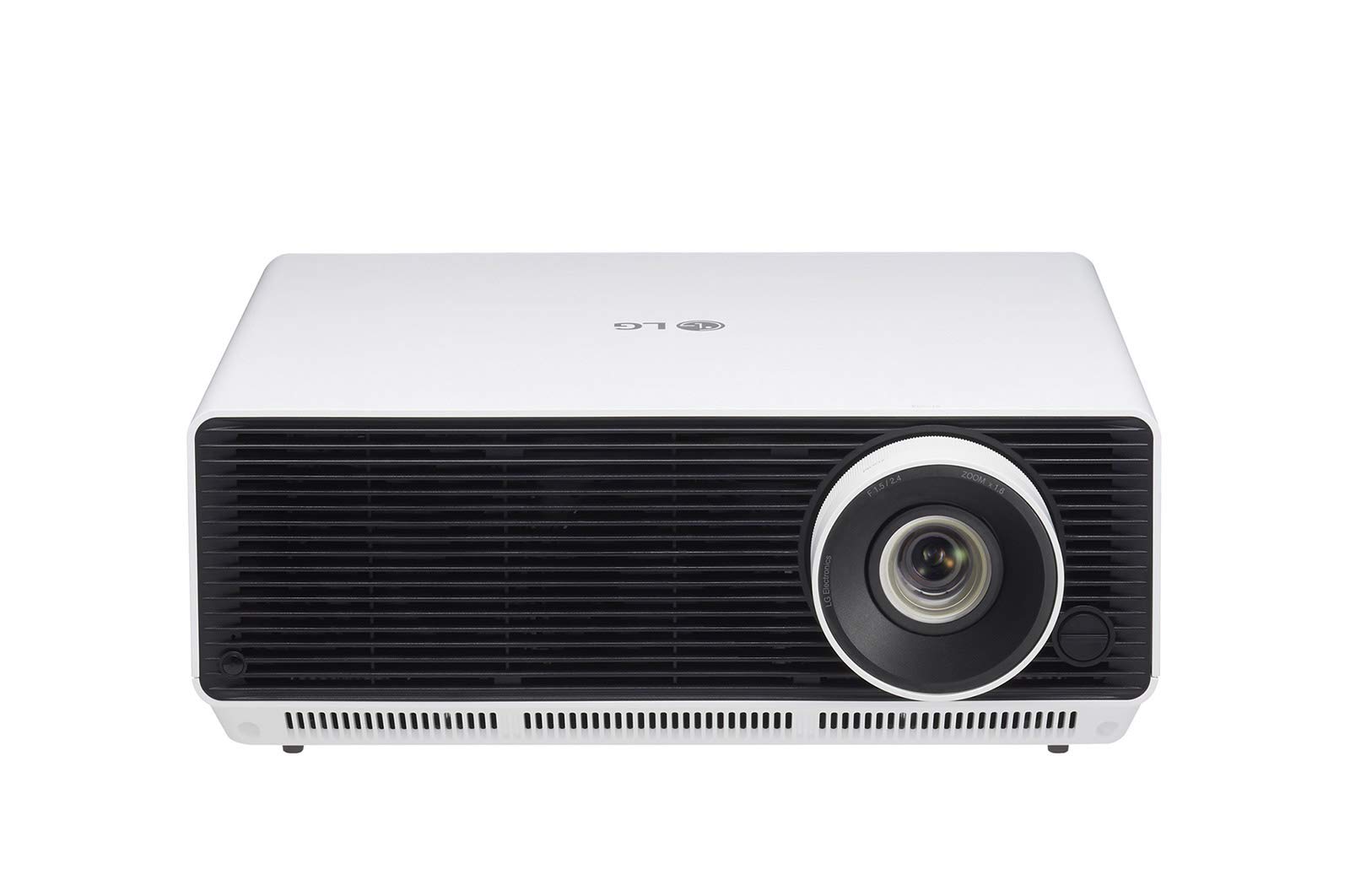
4. LG ProBeam BU53RG
The LG ProBeam BU53RG is the premium-picture pick here. It combines 4K detail with laser brightness and better placement flexibility than many home theater projectors. That flexibility matters more than most buyers expect. A little zoom and lens adjustment can save a simulator layout that would otherwise be annoying forever.
At roughly 5,000 lumens, this model has the horsepower for brighter environments and larger screens. The image quality is a real step up, especially for golfers who care about realism beyond pure practice. Course detail looks richer, menus stay clear, and the whole room feels more polished.
The catch is simple: value. Plenty of golfers will be happier putting that money into a better launch monitor, impact screen, mat, or full room package. Still, for a higher-end build where the projector should look and feel premium every single session, the LG makes a strong argument.
Best fit: premium home sims where picture quality and install flexibility both matter.
Watch-out: the price only makes sense when the rest of the room is already at a similarly high level.
See Current PriceOpens Amazon. Affiliate link.
Best for deeper rooms
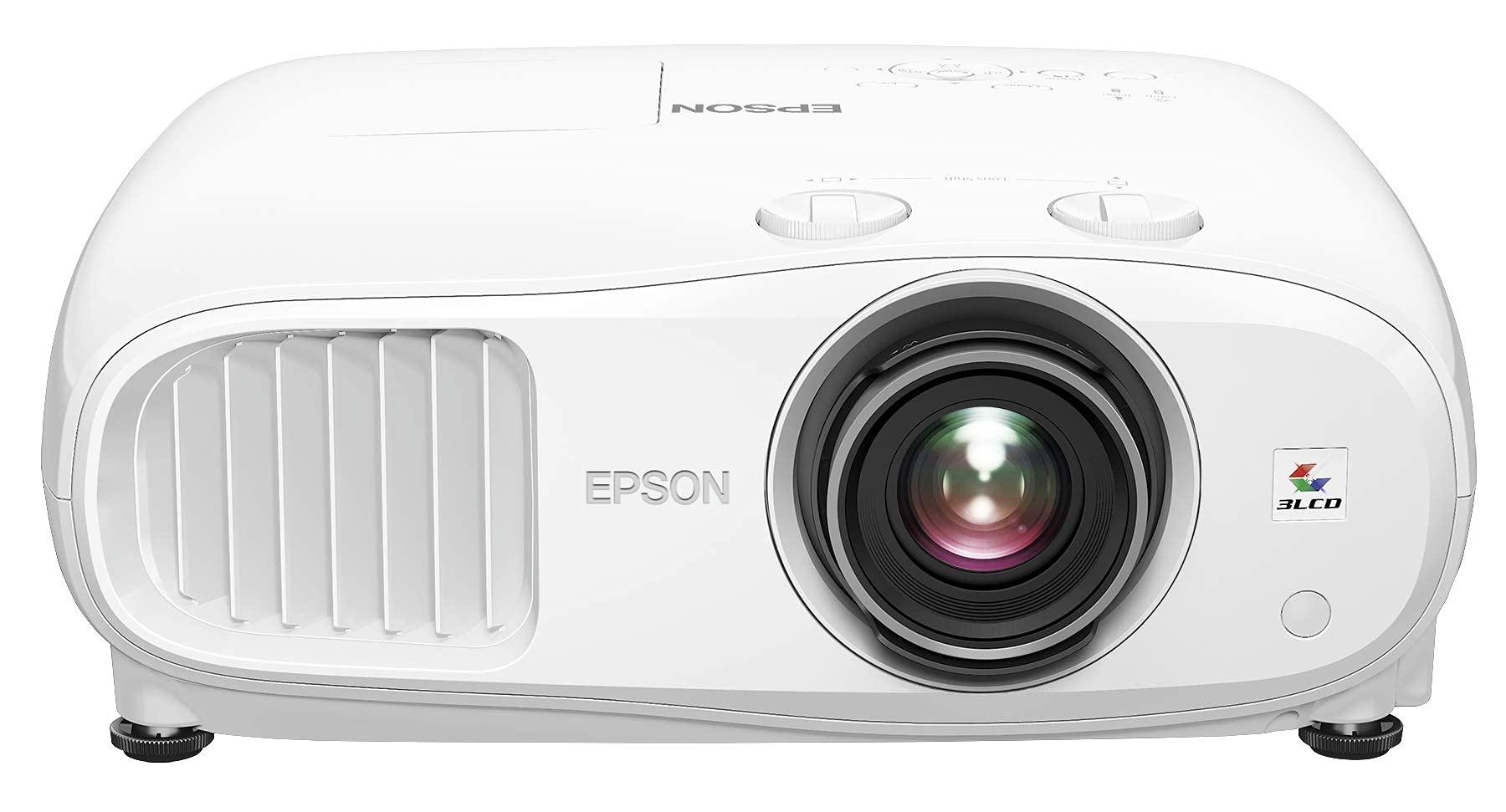
5. Epson Home Cinema 3800
The Epson Home Cinema 3800 earns its spot for one specific buyer: the golfer with enough room depth to use a standard-throw projector properly. In the right space, it produces a very enjoyable image and gives you more lens shift flexibility than many compact short-throw alternatives.
This is not my first recommendation for a tight garage bay. A deeper room changes the math, though. The 3800’s 4K PRO-UHD image, strong color, and 3,000-lumen output make it appealing for a mixed-use room that doubles as a theater or sports cave. Plenty of golf sim owners care about that.
There is also a practical benefit here. Standard-throw projectors can be easier to keep fully out of the action in larger rooms. For some builds, that trade is better than forcing a short-throw mount directly over the hitting area.
Best fit: deeper rooms where golf sim duty shares space with movies, TV, and gaming.
Watch-out: small-room buyers should skip it and stay focused on short throw.
Check PriceOpens Amazon. Affiliate link.
Which one should you buy?
For most readers, the NEC NP-PE455UL is the best projector for a golf simulator because it checks the core boxes without a weird compromise elsewhere. It is bright, practical, and built for the kind of repeat use a serious sim room gets.
The BenQ TH671ST is the better buy for tighter budgets. The Optoma UHD35STx makes sense when image sharpness matters and you still want short-throw placement. The LG BU53RG is the aspirational choice for a premium setup. Epson’s 3800 works well in larger multi-use rooms where short throw is less critical.
Side-by-side differences that matter
- Best overall balance: NEC NP-PE455UL
- Best value: BenQ TH671ST
- Best sharper-image upgrade: Optoma UHD35STx
- Best premium build choice: LG ProBeam BU53RG
- Best non-short-throw option for larger rooms: Epson Home Cinema 3800
One more thing: do not buy on resolution alone. A bright 1080p short-throw projector that cleanly fills your impact screen is usually a better golf purchase than a prettier 4K model that creates shadows, misses the screen shape, or sits in harm’s way.
Common mistakes people make with golf simulator projectors
- Buying before measuring screen width and mounting distance. This is the fastest way to end up with the wrong throw ratio.
- Overvaluing 4K and undervaluing brightness. A dim 4K image still looks bad.
- Forgetting aspect ratio. Many golf sim screens are not a simple TV-style 16:9 fit.
- Ignoring projector safety. Mounting directly in a danger zone can get expensive fast.
- Trying to fix a poor room plan with keystone. Keystone helps, but a bad placement choice usually stays bad.
For a broader room-build overview, this guide can help tie the projector decision back to the rest of the setup: Best Indoor Golf Simulator.
FAQ
What kind of projector is needed for a golf simulator?
A golf simulator projector should be bright enough for indoor ambient light, able to fill the impact screen from a safe mounting distance, and responsive enough that the shot display feels immediate. Short-throw models are usually the easiest fit because they reduce shadows and placement headaches.
Is a short throw projector good for a golf simulator?
Yes, usually very good. Short throw is often the safest and cleanest option for home simulators because it allows a large image from closer range. That helps keep the projector away from the golfer while limiting shadows on the screen.
How many lumens do I need for a golf simulator projector?
Roughly 3,000 lumens is a decent starting point in a darker room. Garages, brighter basements, and bigger screens tend to benefit from 4,000 lumens or more. A little extra brightness is rarely wasted in a sim room.
Is 4K worth it for a golf simulator?
It can be, but only after throw ratio and brightness are handled. 4K helps with course detail, sharper text, and a more polished look. For practice-first buyers in smaller rooms, a strong 1080p short-throw model often delivers better overall value.
Can you use a normal projector for a golf simulator?
You can, but plenty of standard projectors are awkward for golf because they need too much room depth or produce shadows from the hitting area. A normal projector only works well when its throw distance, brightness, and mounting position match your simulator layout.
What is the best projector setting for a golf simulator?
The best setup usually starts with the brightest usable mode that still preserves decent color, plus a screen fill that matches your impact screen without overspill. Fine-tuning contrast, sharpness, and keystone after physical placement gives better results than relying on aggressive digital correction.