Best indoor golf simulator: our top pick for most golfers
If you want an indoor golf simulator that actually helps your swing, you are really buying three things: launch monitor accuracy, a setup you will use regularly, and software that makes practice feel frictionless.
This guide is for weekend golfers who want reliable ball flight feedback at home without building a full commercial-grade room.
Our top pick for most people is a radar-based launch monitor you can set up fast and trust for the metrics that matter, with a clear upgrade path if you decide you want a bigger screen experience later.
Disclosure: This post contains affiliate links. As an Amazon Associate, we earn from qualifying purchases at no extra cost to you.
| Product | Price range | Rating | Key feature | Best for |
|---|---|---|---|---|
| Garmin Approach R10 | $500 to $700 | 4.3+ | Portable radar with strong practice features | Most golfers who want value and fast setup |
| Rapsodo MLM2PRO | $700 to $900 | 4.0+ | Video plus shot metrics, strong app experience | Golfers who want video feedback and modern UX |
| SkyTrak+ Launch Monitor | $2,500 to $3,000 | 4.2+ | Photometric measurement that plays well indoors | Players who prioritize indoor consistency over portability |
| OptiShot 2 | $300 to $500 | 3.8+ | Budget-friendly entry to sim-style practice | Casual golfers who want fun first, precision second |
| Foresight Sports GC3 | $6,500 to $8,000 | 4.7+ | Tour-level ball data with premium ecosystem | Serious golfers building a long-term home sim |
Quick picks
- Best for most golfers: Garmin Approach R10 (set up fast, great value for practice)
- Best for video feedback: Rapsodo MLM2PRO (video plus metrics, strong app)
- Best for indoor consistency: SkyTrak+ (photometric measurement indoors)
- Best budget option: OptiShot 2 (fun and approachable, not a precision tool)
- Best premium pick: Foresight GC3 (excellent data, higher total cost)
How we chose (and what matters for indoor sims)
We chose these picks based on the outcomes indoor golfers care about: getting usable carry and ball flight feedback, practicing without constant calibration, and having a setup you can actually leave in place or rebuild quickly. We leaned on manufacturer specs, software capability, reputable roundups, and recurring verified buyer feedback to surface the tradeoffs that show up after the honeymoon period.
When you are practicing indoors, the common failure points are predictable: not enough space, misreads from poor alignment, unrealistic spin estimates, subscription surprises, and sensors that do not like certain lighting or mats. A good simulator setup avoids those traps before you spend the big money on a projector.
The picks
Garmin Approach R10: the best indoor golf simulator for most golfers
Who it’s for: you want credible practice data at home, you do not want a permanent build yet, and you would rather spend your budget on a good mat and net than on a commercial bay.
Why it’s the right call: the R10 tends to hit the sweet spot where setup is simple and the metrics are good enough to guide practice. For a lot of golfers, the difference between improving and not improving is using it three times a week, not chasing perfect spin numbers.
What goes wrong / tradeoffs: radar units demand clean setup. If you are sloppy with alignment, distance to ball, or ball position relative to the unit, you will blame the device when the real issue is geometry. It can also be less convincing for certain shot shapes or spin-sensitive work compared with higher-end photometric options.
- Notable details: portable; works with common sim apps; strong practice modes.
- Best tip: measure your setup distances and mark them on the floor so you can repeat them every session.
See today’s price for the Garmin R10.Opens Amazon. Affiliate link.
Rapsodo MLM2PRO: best if you want video feedback that changes your practice
Who it’s for: you learn faster when you can see the swing and the shot. You want the simulator to function like a coach: record, compare, and make one change at a time.
Why it’s the right call: video is the fastest way to eliminate obvious swing issues, and MLM2PRO’s app-first approach makes it easier to stay consistent. If you are the type who gets bored with pure numbers, this is the pick that keeps practice engaging.
What goes wrong / tradeoffs: expect ongoing costs or subscriptions depending on the software path you choose. Also, anything camera-driven can feel finicky if your space has inconsistent lighting or you are constantly moving the unit. If you hate troubleshooting, a simpler setup may fit better.
- Notable details: emphasis on video capture; modern app workflows.
- Best tip: treat the app setup like part of the simulator. If it takes more than two minutes to start a session, you will skip sessions.
See if the MLM2PRO is in stock.Opens Amazon. Affiliate link.
SkyTrak+: best for indoor consistency when you mostly hit into a net
Who it’s for: you have a dedicated indoor spot and want consistent reads on indoor shots. You care more about repeatable practice than about taking the unit to the range.
Why it’s the right call: photometric measurement can be a better fit indoors because the environment is controlled and the ball is close to the sensors. For golfers who do most practice at home, the experience can feel more stable than lower-cost radar units.
What goes wrong / tradeoffs: total cost climbs quickly once you include software. It is also less appealing if you want true portability. And like any indoor setup, your mat and ball choice matter. The unit cannot fix a slippery mat or poor strike conditions caused by bad turf.
- Notable details: strong indoor usability; popular sim ecosystem.
- Best tip: budget for the mat and net first, then the monitor. Bad turf ruins more sessions than bad software.
Check today’s price for SkyTrak+.Opens Amazon. Affiliate link.
OptiShot 2: best budget pick if you want fun first
Who it’s for: you want a low-cost way to hit balls and stay connected to golf in the off-season. You are okay trading accuracy for entertainment.
Why it’s the right call: it is one of the easiest ways to get a simulator-like experience without committing to a launch monitor. If your main goal is reps and enjoyment, this can be enough.
What goes wrong / tradeoffs: it is not a serious measurement tool. If you are trying to dial wedges, track gapping, or work on spin, you will likely outgrow it. Also, some golfers get frustrated when the sim does not match what they see on the course. That mismatch is the price of entry-level hardware.
- Notable details: accessible setup; game-like practice.
- Best tip: treat it like a practice motivator, not a fitting session.
See if the OptiShot 2 is still available.Opens Amazon. Affiliate link.
Foresight Sports GC3: best premium indoor simulator core for serious golfers
Who it’s for: you are building a long-term home simulator and you value data quality enough to pay for it. You also want an ecosystem that can scale with your setup.
Why it’s the right call: this level of hardware can turn a home bay into something that feels like real practice, not just entertainment. If you are investing in a screen, enclosure, projector, and impact-safe room, it makes sense to anchor the build with a launch monitor you will not want to replace in a year.
What goes wrong / tradeoffs: cost is the obvious one, but the bigger tradeoff is total ownership: software, upgrades, and the temptation to keep spending. If your space is not dialed in, you can waste premium hardware by running it in a mediocre environment.
- Notable details: premium ball data; strong ecosystem.
- Best tip: do the room right. Lighting, safe ball flight, and a real mat matter more at this budget.
See current options for the GC3.Opens Amazon. Affiliate link.
FAQ
How much space do you need for an indoor golf simulator?
Most golfers need enough room to swing a driver comfortably plus safe ball flight into a net or impact screen. Ceiling height and side clearance matter as much as length. If you are tight on space, a shorter club set or focusing on irons can still make the setup worthwhile.
What is the biggest mistake people make with indoor simulators?
Buying the launch monitor first and treating the mat, net, and alignment as afterthoughts. A shaky mat or inconsistent alignment will make any simulator feel inaccurate and frustrating.
Radar or camera based: which is better indoors?
Camera based systems can feel more consistent indoors because they do not require as much ball flight. Radar can be excellent, but it is more sensitive to setup and space. For most golfers, the best choice is the one you can set up correctly every time.
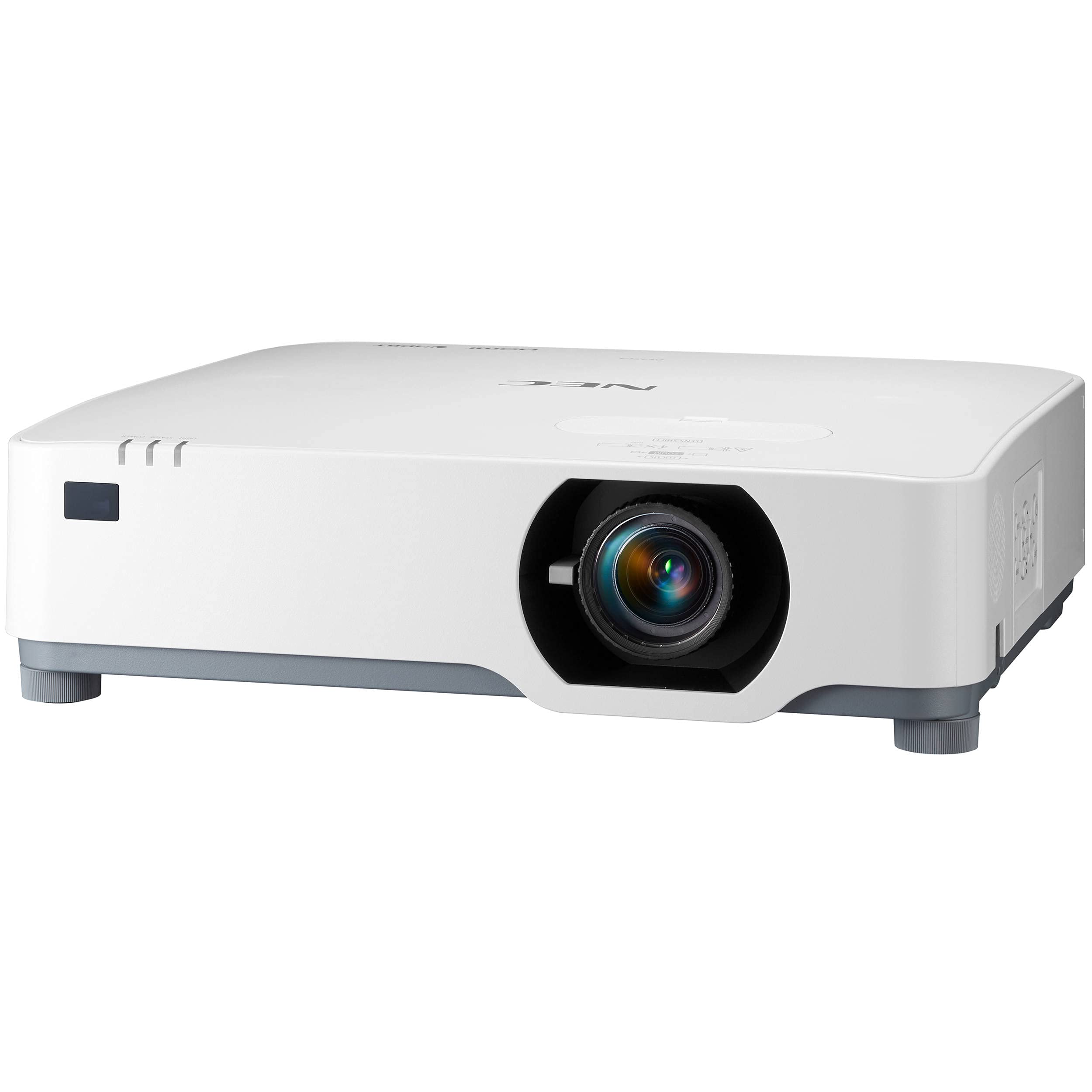
Do you need a projector for a good indoor golf simulator?
No. A net plus a tablet or phone can be enough to improve. A projector mainly adds immersion and makes it feel like a real simulator bay.
Can you use a simulator with foam balls or limited-flight balls?
Some systems handle alternative balls better than others, but you should expect tradeoffs in accuracy. If your main goal is realistic gapping and shot shape practice, real balls and a safe net are usually the better path.
Are subscriptions worth it for simulator software?
They can be if the software keeps you practicing. If the subscription features do not change how often you use the setup, you may be better off with a simpler package and spending the difference on a better mat.
Conclusion
If you want the best indoor golf simulator for most golfers, the Garmin Approach R10 is the move because it is easy to set up, delivers useful practice data, and keeps your budget available for the mat and net that make the whole experience feel good.
Buy something else if your priorities are different: choose the MLM2PRO if video feedback keeps you honest, choose SkyTrak+ if you want an indoor-first experience and can stomach the software costs, and step up to the GC3 if you are building a long-term simulator room and want premium data from day one.
See today’s price for the Garmin Approach R10 and set up a practice routine you will actually stick with.
Peak Practice Lab is dedicated to helping athletes find the best training tools backed by real research and reviews.